Workflows — creinfinate
creinfinate 

Studio

Every workflow, explained.

One image in — one asset out. What each workflow takes as input and what you get back, illustrated with real examples.

scene-aifi-it input
In
scene-aifi-it output
Out

scene-aifi-it

Product Scene

You bring
  • Product photo
  • Background / scene choice
You get
  • Composited marketing image

AI matches the product lighting to the scene and writes realistic shadows and reflections.

Try it
swap-aifi-it input
In
swap-aifi-it output
Out

swap-aifi-it

Object Swap

You bring
  • Source image with the object
  • Destination scene
You get
  • New scene with the object placed in it

Outline what you want moved — AI re-renders it into the new environment.

Try it
spin-aifi-it input
In
Out

spin-aifi-it

360° Spin

You bring
  • Four car angles (or a single shot)
You get
  • Smooth 360° studio spin video

Each angle is converted to a matching studio still before being stitched into the spin.

Try it
chrome-aifi-it input
In
Out

chrome-aifi-it

Chrome FX

You bring
  • Logo or flat artwork
You get
  • Chrome shimmer animation video

Prompt is auto-generated from the logo — edit it before rendering if you like.

Try it
print-aifi-it input
In
print-aifi-it output
Out

print-aifi-it

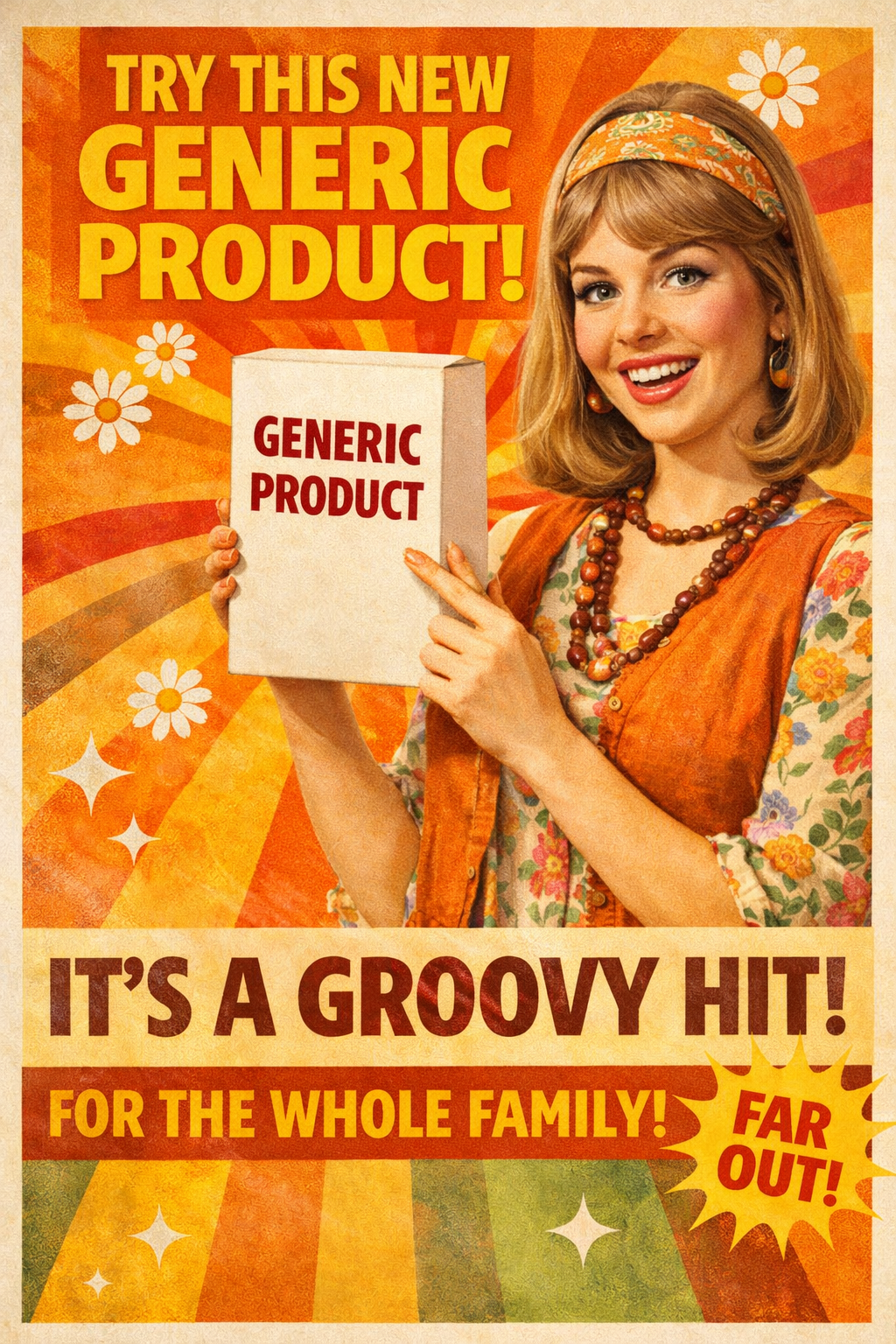
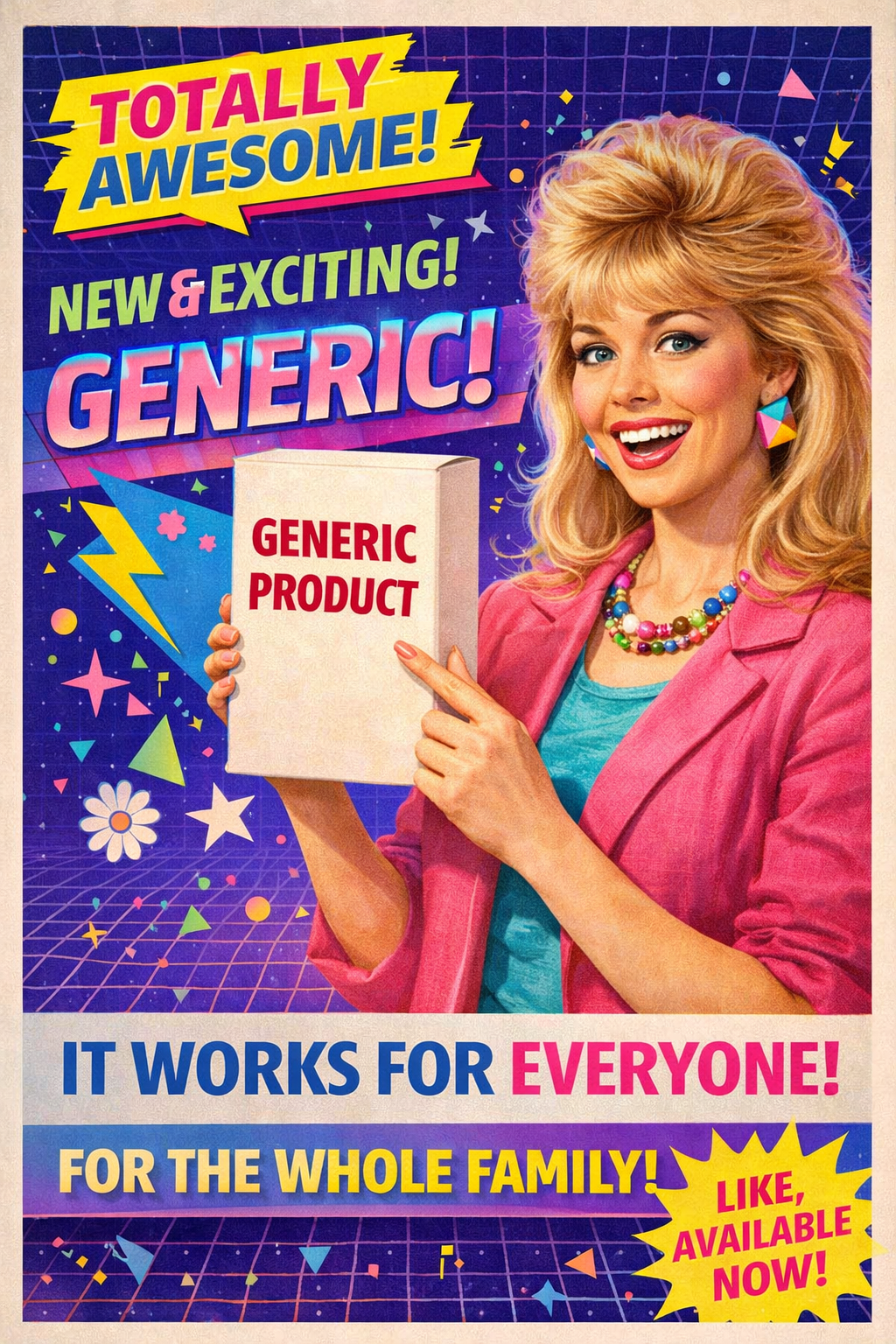
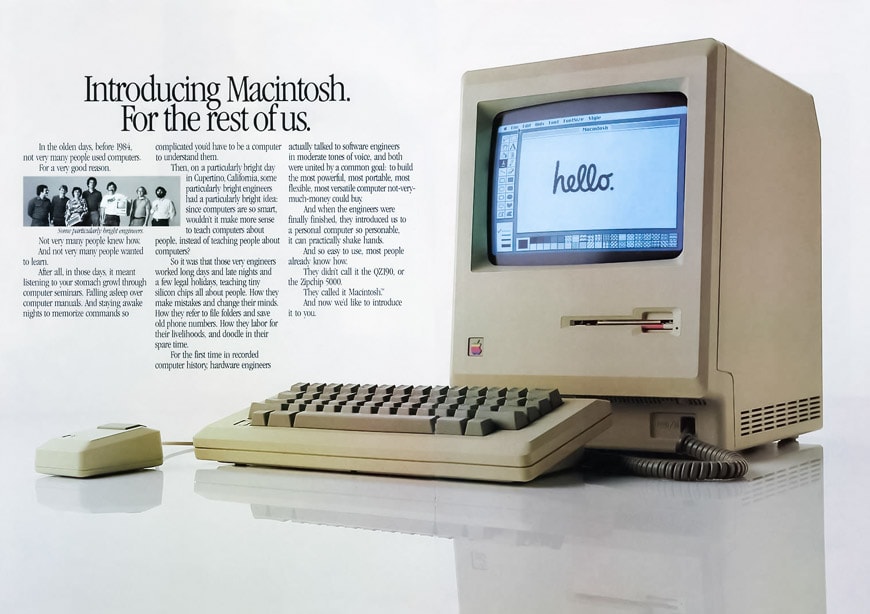
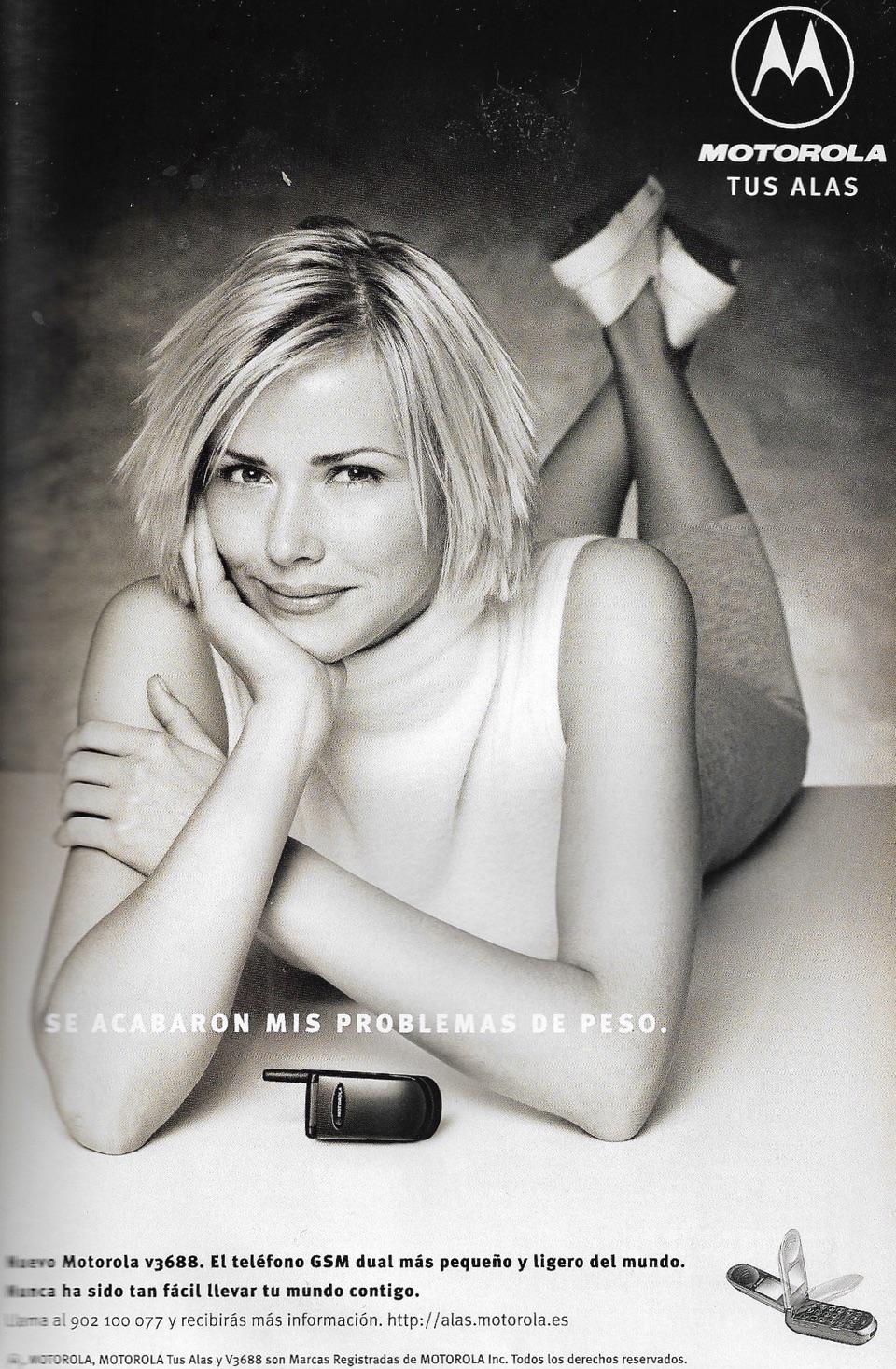
Print Ad

You bring
  • Product photo
  • Era / style reference
You get
  • Era-styled print advertisement layout

Pick a decade — 1920s type-heavy, 1960s pop, 1980s neon — and AI composes the ad copy and layout.

Try it
reveal-aifi-it input
In
Out

reveal-aifi-it

Silk Reveal

You bring
  • Product photo
  • Silk colour + room colour
You get
  • Luxury silk reveal video

A cloth slides away to uncover the product — colour and room mood are fully controllable.

Try it
stage-aifi-it input
In
Out

stage-aifi-it

Brand Stage

You bring
  • Logo
  • Texture preset or custom
  • Industry theme
You get
  • Staged brand environment animation

The logo is placed in a 3D environment whose mood, material, and motion match your industry.

Try it
light-aifi-it input
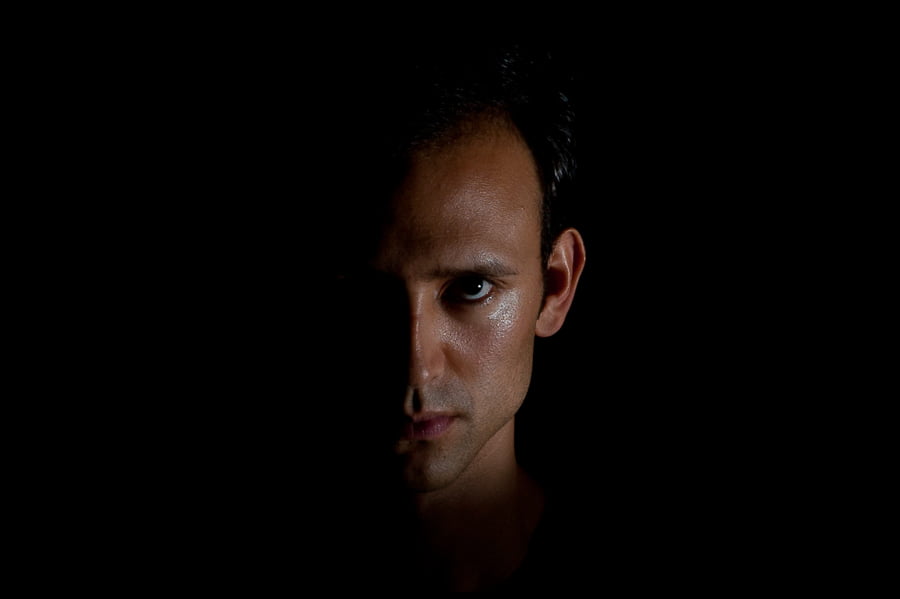
In
light-aifi-it output
Out

light-aifi-it

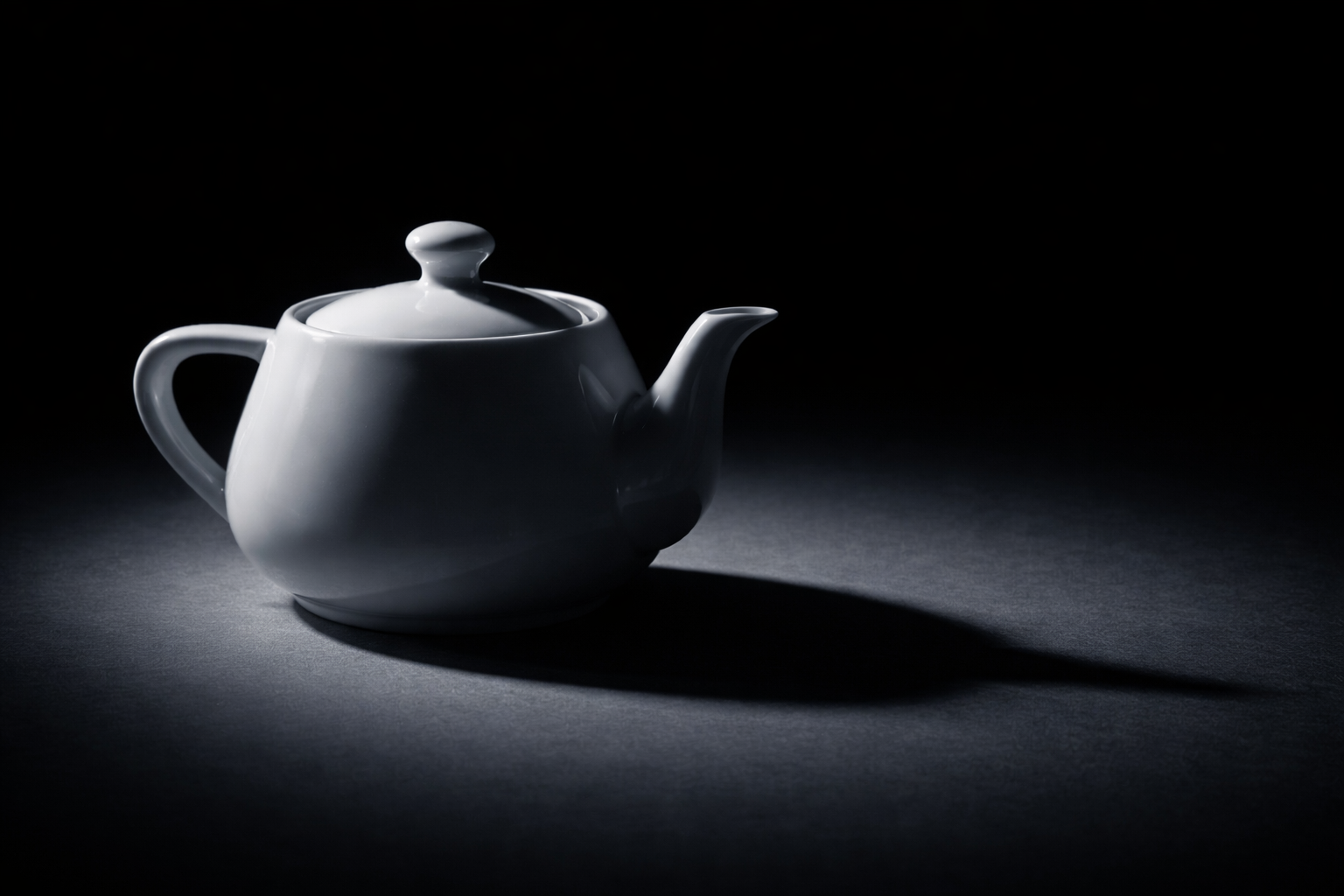
Re-light

You bring
  • Product or subject photo
  • Lighting reference image
You get
  • Re-lit product image

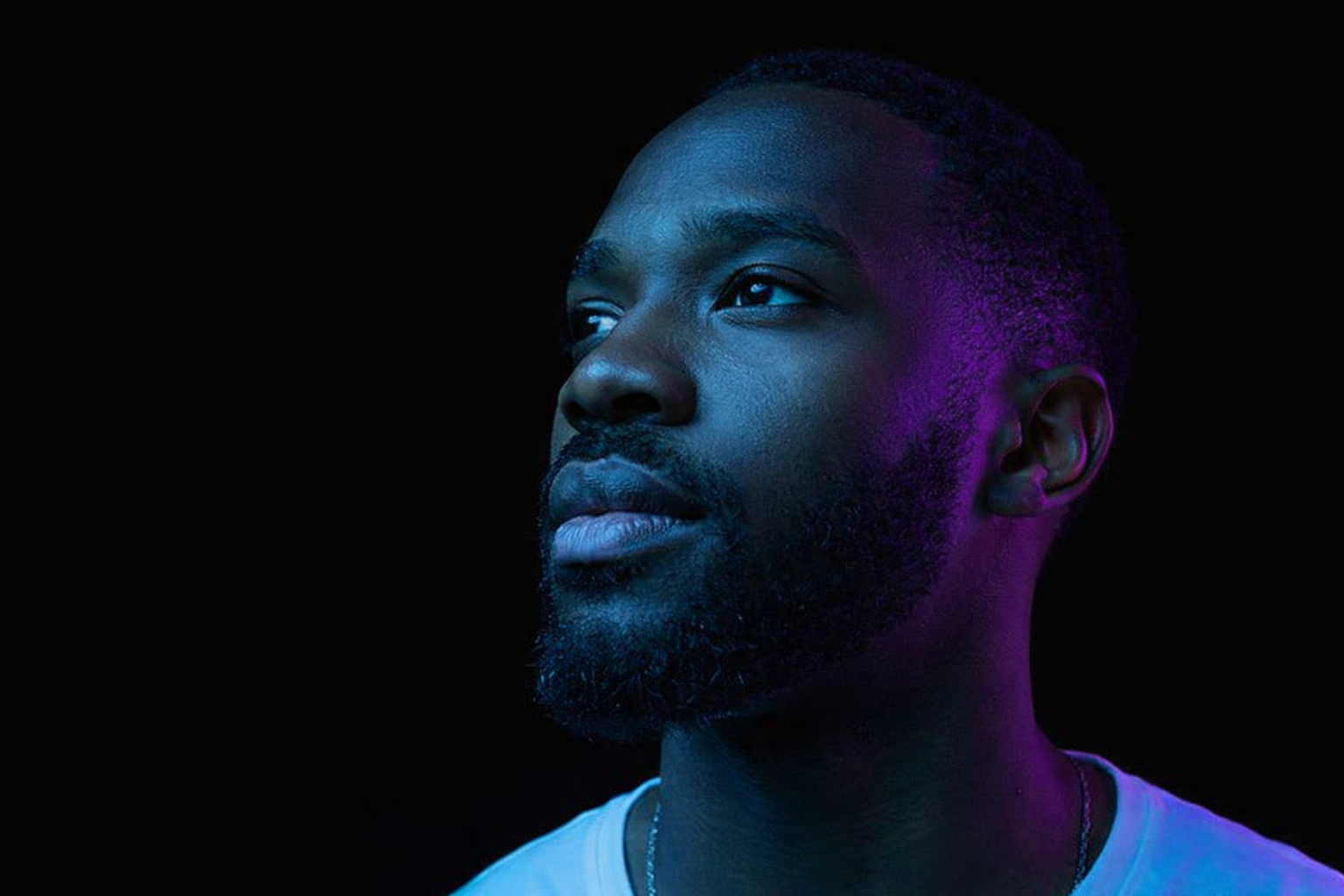
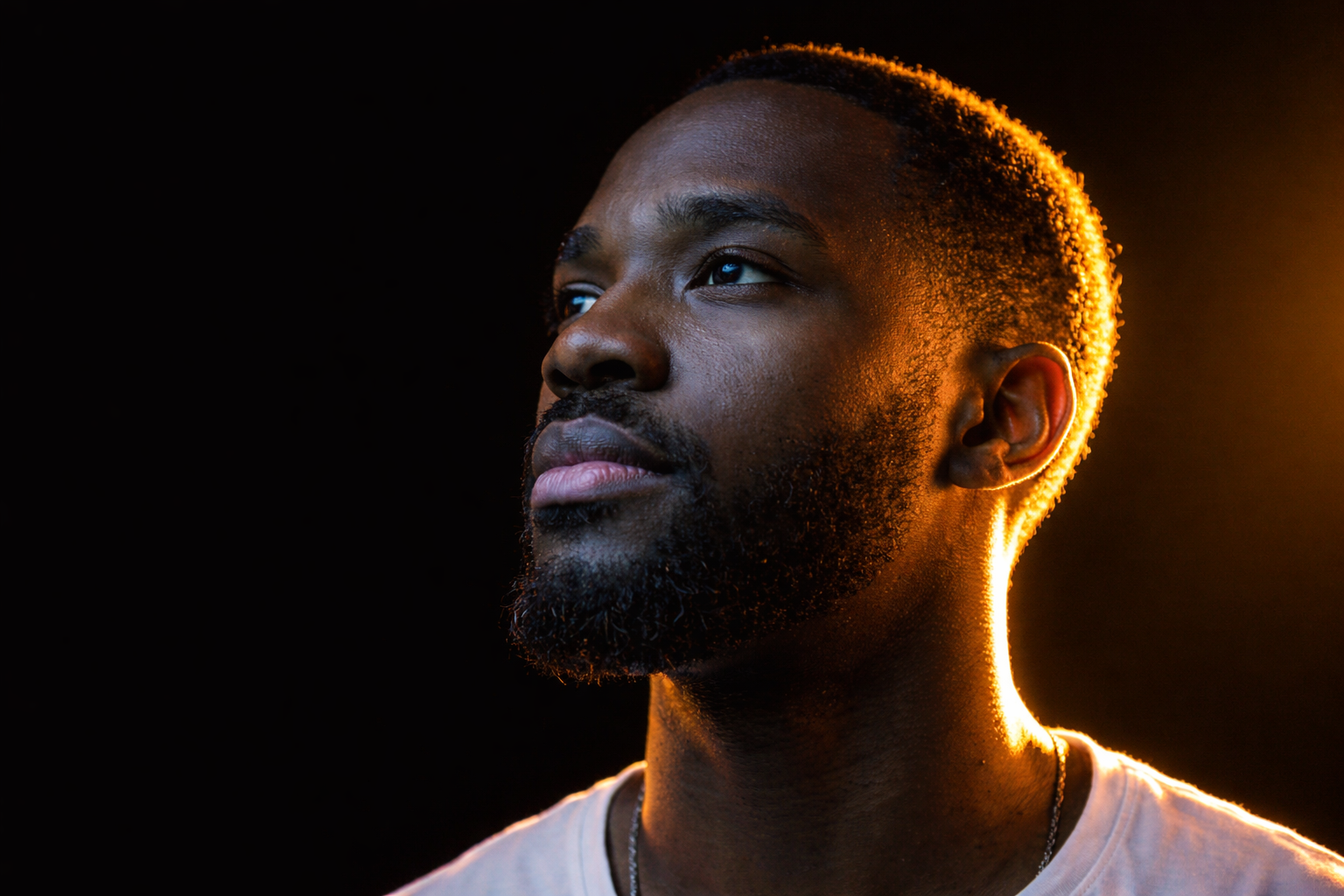
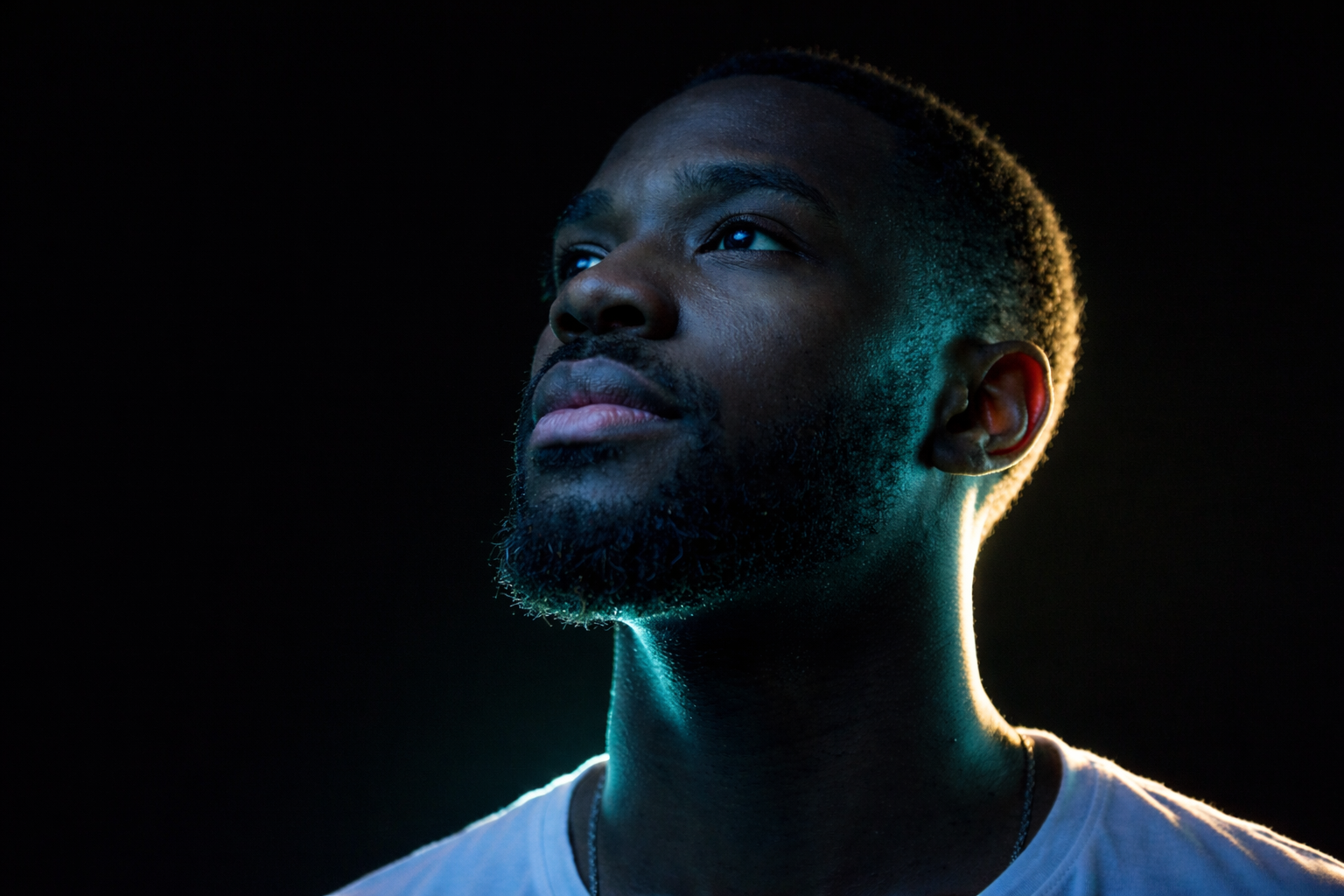
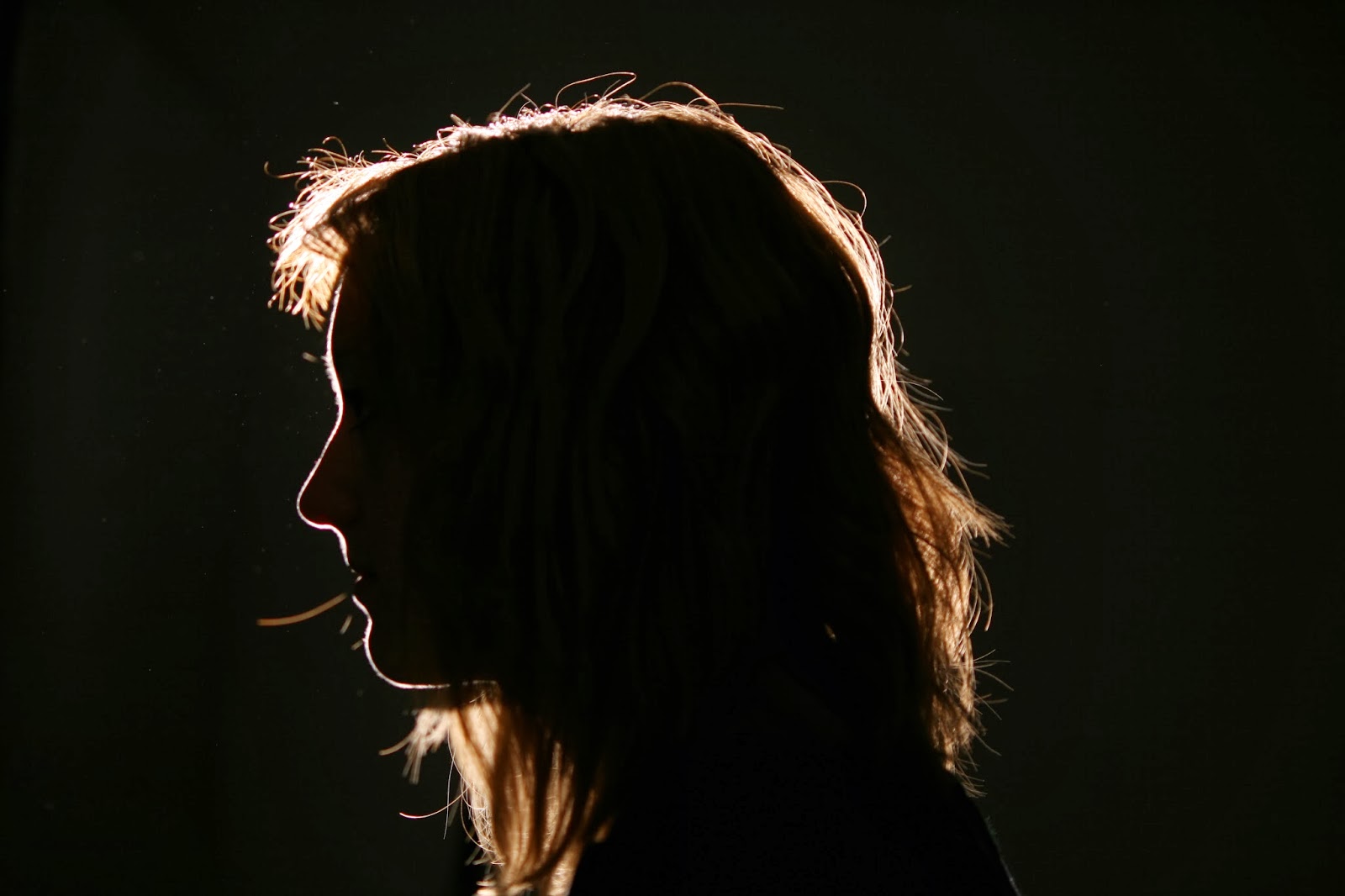
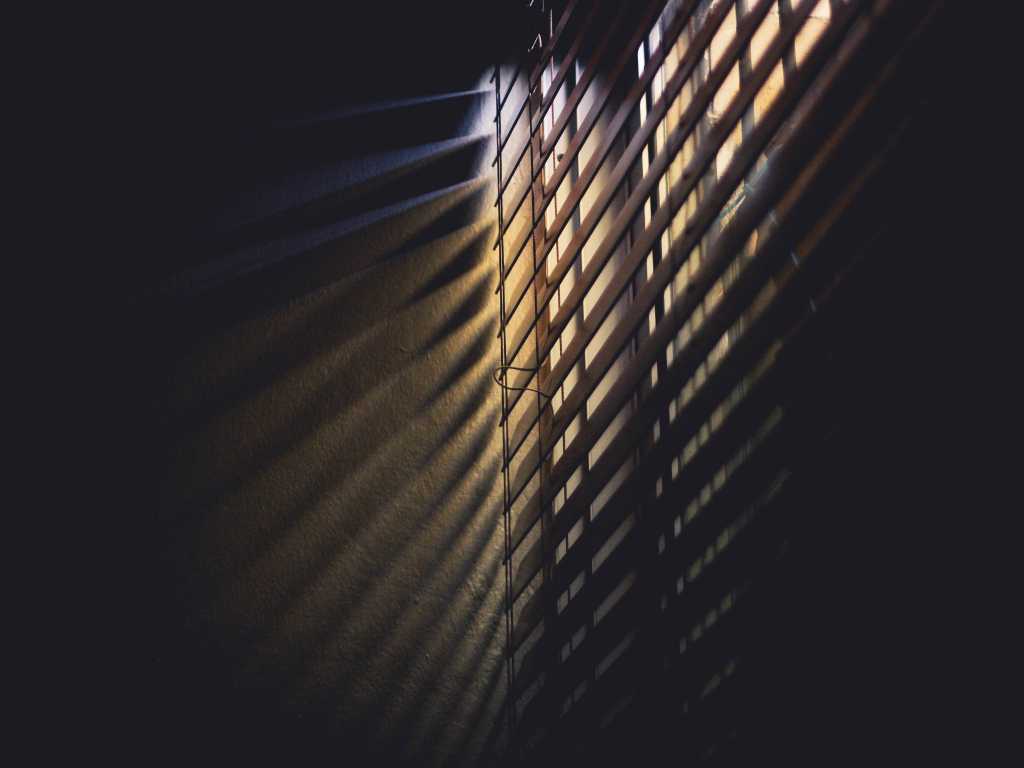
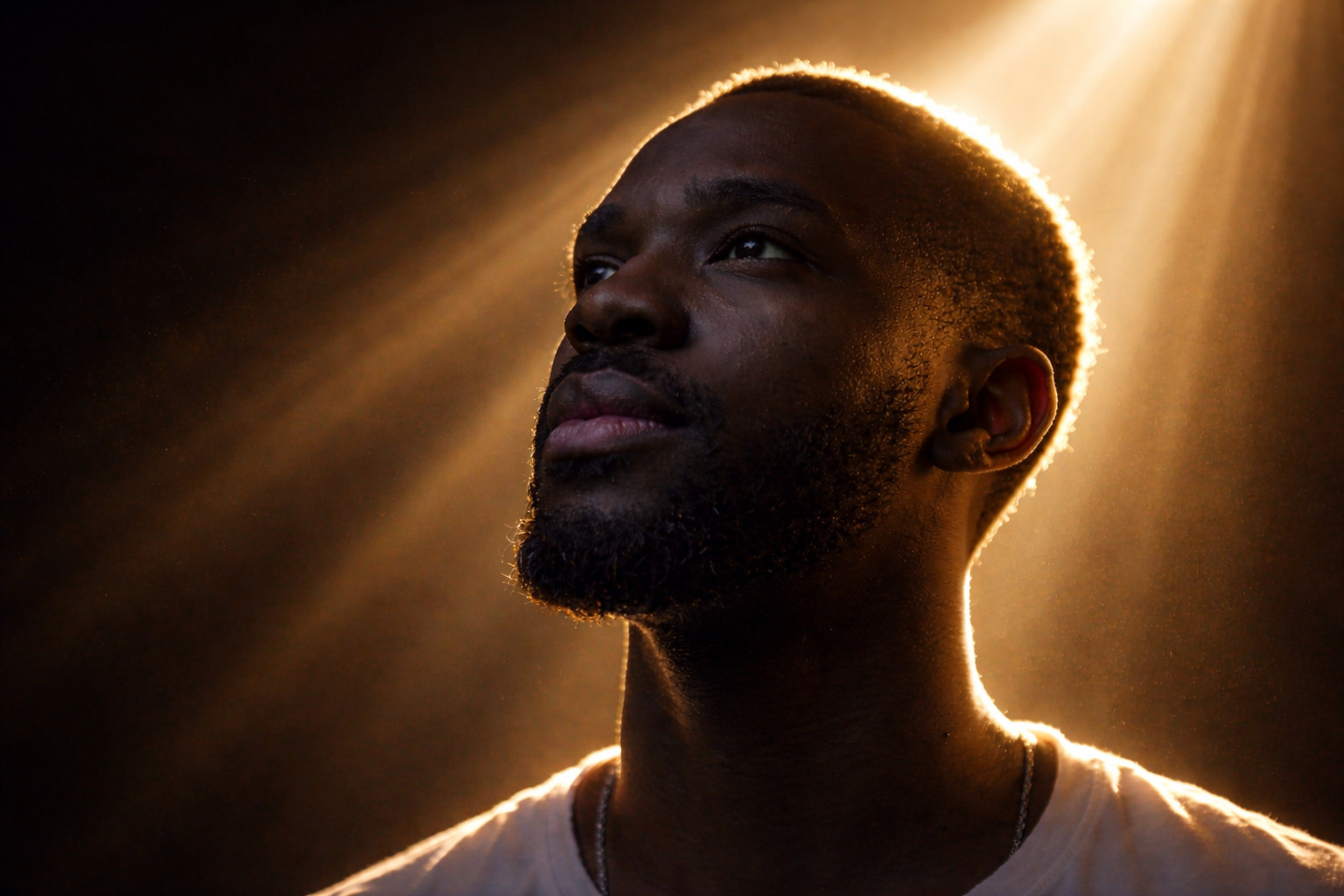
AI strips the original lighting and rebuilds it to match the reference — colour, direction, and contrast.

Try it
matrix-aifi-it input
In
Out

matrix-aifi-it

Matrix FX

You bring
  • Logo or text
You get
  • Matrix code animation video

The logo extrudes in 3D, cascading green code shafts build around it, then cinematic motion reveals the result.

Try it
dunk-aifi-it input
In
Out

dunk-aifi-it

Water Dunk

You bring
  • Product or object photo
You get
  • Underwater dunk animation video

Full immersion, underwater hold, dramatic surface break — all generated from one still image.

Try it
season-aifi-it input
In
Out

season-aifi-it

Seasonal Promo

You bring
  • Product photo
  • Season choice
  • Promo message text
You get
  • Seasonal promotion video

Nature grows into the frame and writes the message — spring blossoms, winter frost, autumn leaves, summer heat.

Try it
mask-aifi-it input
In
mask-aifi-it output
Out

mask-aifi-it

Background Remove

You bring
  • Any photo or composite
You get
  • Clean transparent PNG

AI detects the foreground subject automatically. No masks to draw, no settings to tune — one click.

Try it
composit-aifi-it input
In
composit-aifi-it output
Out

composit-aifi-it

Composite

You bring
  • Transparent PNG (foreground)
  • Background image
You get
  • Composited scene

AI adds depth-of-field bokeh behind the subject and wraps ambient light around its edges so it sits naturally.

Try it